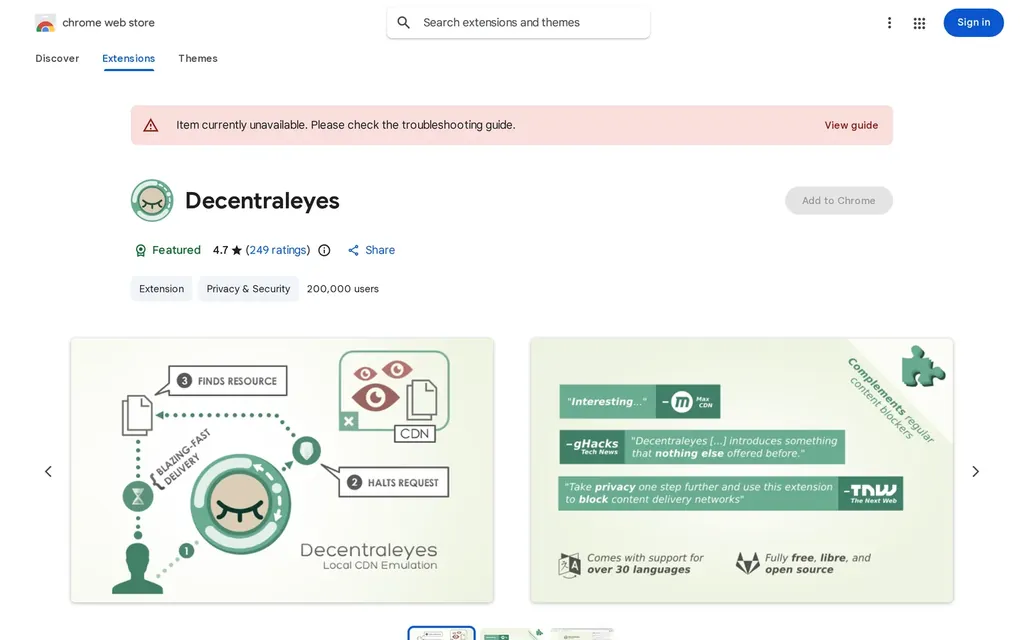
Decentraleyes is a browser extension that protects your privacy by ensuring that the data you send and receive from the websites you visit is never sent to or shared with any other server than the one you are currently connected to. This means that, even if a website uses content from another server on their page, they will not be able to track you.

Official website chrome.google.com/webstore/detail/decentraleyes/ldpochfccmkkmhdbclfhpagapcfdljkj
Our take
Decentraleyes serves common code libraries locally so your browser stops pinging Google’s and others’ CDNs on every page, cutting one quiet tracking channel. Its honest limitation is that the bundled libraries age and modern sites increasingly use ones it does not cover, so the protection has narrowed over the years. It pairs harmlessly with uBlock Origin, but on its own it is a minor supplement now rather than a tool that meaningfully changes your exposure.
Listed in
Decentraleyes alternatives

uBlock Origin uBlock is a lightweight, open-source, and free Chrome privacy browser extension that is used to block ads and other online trackers. It’s designed to be user-friendly and…

uBlock Origin Lite Permission-light Manifest V3 content blocker for Chrome, Edge, and Safari, built by Raymond Hill as the MV3 sibling of uBlock Origin. Blocks ads and trackers declaratively with no persistent background process.

ClearURLs ClearURLs is a privacy extension for the Chrome browser that automatically shortens URLs on webpages you visit. It does this by adding a button to your toolbar and when you…

xBrowserSync xBrowserSync is a Chrome extension that enables you to synchronize your browsing sessions across multiple browsers and computers. This means that you can start browsing on one…

Cookie AutoDelete Cookies are small pieces of data that are stored on your computer and can be used to track your browsing habits. The Cookie AutoDelete extension is a browser extension that…

SponsorBlock Install the SponsorBlock extension in your Chrome browser to automatically block sponsored segments in YouTube videos.