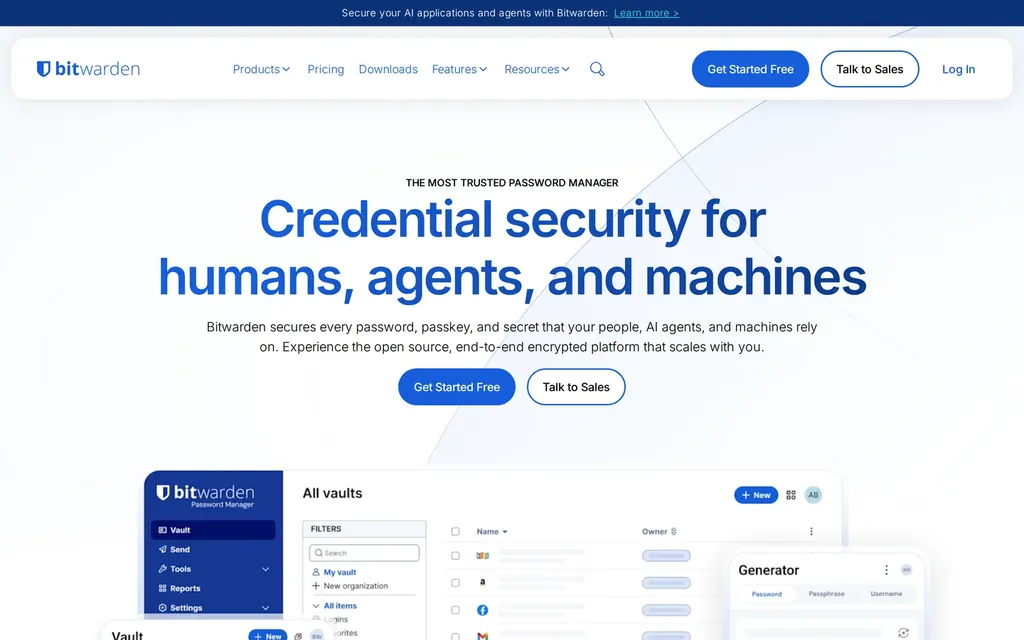
Bitwarden is our top choice. You can import your previous passwords from other password managers with ease. Free for personal use. Available for Desktop, all Browsers, Android and iOS.

Official website bitwarden.com
Our take
Our top pick, and the reason is simple: it is open-source, audited, free for personal use, and runs everywhere without making you choose between convenience and trust. The honest caveat is that the official cloud means your encrypted vault lives on someone else’s server, though you can self-host if that bothers you. For most people moving off a browser’s built-in passwords, this is the one to install first, no asterisks needed.
GitHub at a glance
bitwarden/clients
Stars
13,097
+ 85 this week
Last commit
1d ago
healthy
Latest release
web-v2026.6.1
3d ago
Stars, last 10d
Listed in
Bitwarden alternatives

NordPass Audited by an independent cybersecurity firm Cure53 in Feb 2020 and confirmed the security of NordPass. Offers browser extensions for Chrome, Firefox, Edge, Brave, Opera and…

Proton Pass Open-source, end-to-end encrypted password manager from the maker of Proton Mail, based in Switzerland. Stores logins, notes, and cards, with built-in email aliasing via SimpleLogin. Apps for Windows, macOS, Linux, Android, iOS, and the major browsers.
KeePassXC Securely store passwords using industry standard encryption, quickly auto-type them into desktop applications, and use browser extension to log into websites. KeePassDX for…

1Password 1Password is a commercial password manager for individuals, families, and teams, available on Windows, Mac, Linux, Android, iOS, and all major browsers. It uses a dual-key architecture combining your master password with a locally generated Secret Key.

KeePassDX KeePassDX is a lightweight, open-source KeePass-compatible password manager for Android, storing credentials in a local encrypted database file (.kdbx) with support for biometric unlock, autofill, TOTP, and passkeys.

KeePassium KeePassium is a KeePass-compatible password manager for iOS and macOS, offering biometric unlock, Password AutoFill, automatic sync with iCloud Drive and cloud storage providers, and read/write support for all KeePass database formats.