
PrivacyTools.io has pointed people toward software that respects them since 2015. That mission has not changed. The site has. We rebuilt it from the ground up around a simpler starting point: the app you already want to leave.
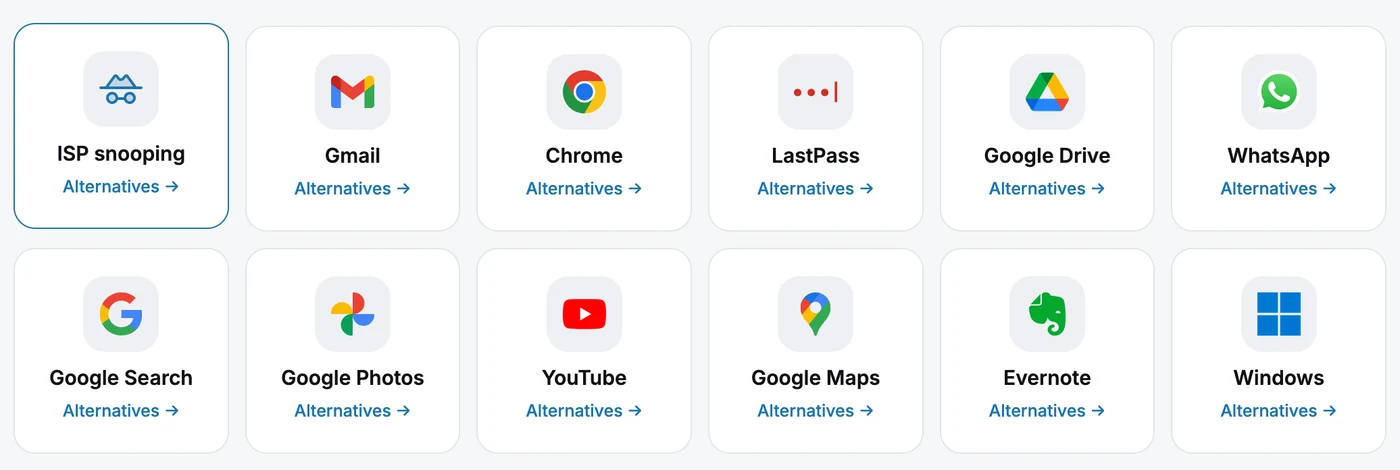
A privacy directory used to work like a library. Rows of categories, hundreds of tools, and a pile of homework before you knew where to begin. The new PrivacyTools.io turns that around. Tell us what you want to escape, Gmail, Chrome, Google Drive, WhatsApp, and we send you straight to the private alternative worth switching to, with a plain reason why.
Here is what changed.
Start with what you want to escape
The homepage no longer opens with our categories. It opens with theirs. The big apps you are trying to get away from are the navigation now, each one a tile that drops you into a short, ranked list of replacements we actually trust. The idea runs through the whole site: you should not need to know the name of a privacy tool to find one. You only need to know what you are done with.
Find anything in two keystrokes
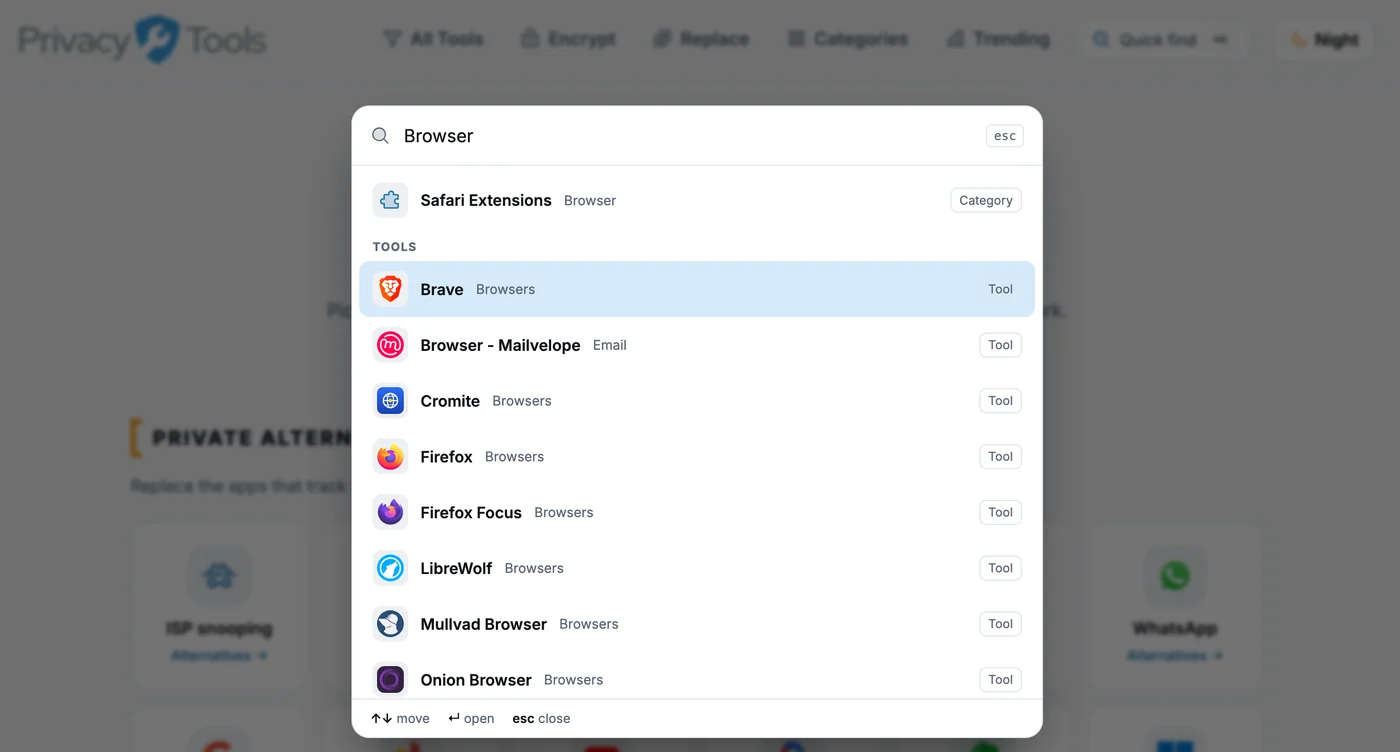
Press Cmd-K (or just hit /) anywhere on the site and start typing. Quick Find jumps you to any app, category, or guide instantly, no clicking through menus. It is the fastest way to check whether we cover the thing you are thinking about. Try it with an app you have been meaning to drop.
Every tool gets a real verdict
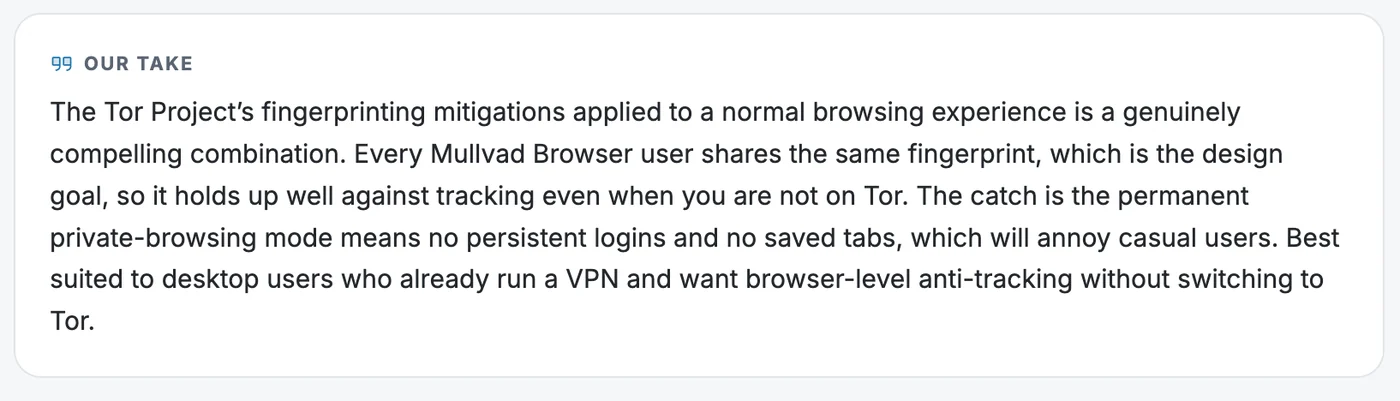
We stopped just listing software. Each tool page now carries Our take, a short verdict in plain language that says what the tool does well and where it falls short, so you know whether to pick it or skip it. For open-source tools there is a GitHub at a glance card with live signals (stars, last commit, license, latest release) so you can see whether a project is healthy or quietly abandoned before you trust it with your data. Every page also shows a full screenshot and links to close alternatives.
Browse by category, or filter the whole catalog
Prefer to explore? The new categories hub groups everything by what you are trying to do, from network and browser to files and messaging. And if you want to get specific, the full catalog lets you filter every tool at once by platform, license, and cost. Stack the filters, watch the counts update live, and the page works even with JavaScript turned off.
See what is gaining ground
The new Trending page ranks privacy tools by how fast they are gaining stars on GitHub, and it refreshes every single day. It is a live read on which projects the community is rallying behind right now, not a frozen list from two years ago.
Replace an app, step by step
Some switches need more than a list. Our new “replace an app” pages take a single mainstream product and walk you through why its defaults cannot be configured into something private, what actually matters in a replacement, and how to move your data across without losing it.
Measured against public criteria
None of this is based on vibes. Every tool is judged against a published rubric, and we put the whole thing on one page so you can hold us to it. The criteria cover the things that decide whether a privacy claim is real: source availability, the strength and design of the encryption, where the company is based, how it actually makes money, and more. Miss the bar and you are not in the directory.
Bigger, and kept fresh on its own
At launch the directory holds more than 280 tools across nearly 50 categories, plus dozens of in-depth guides. That includes whole sections we were missing before, like two-factor apps, AI chat, security keys, and device integrity. A daily rebuild updates star counts and repo health automatically, so the site stays current without anyone touching it.
And all of it is static. There is no backend and no login. Nothing records what you read. The only measurement we keep is Cloudflare’s privacy-friendly analytics, which sets no cookies and cannot identify you. A privacy site should practice what it lists.
Meet VERNAM
We also built you something new: a way to encrypt your own files.
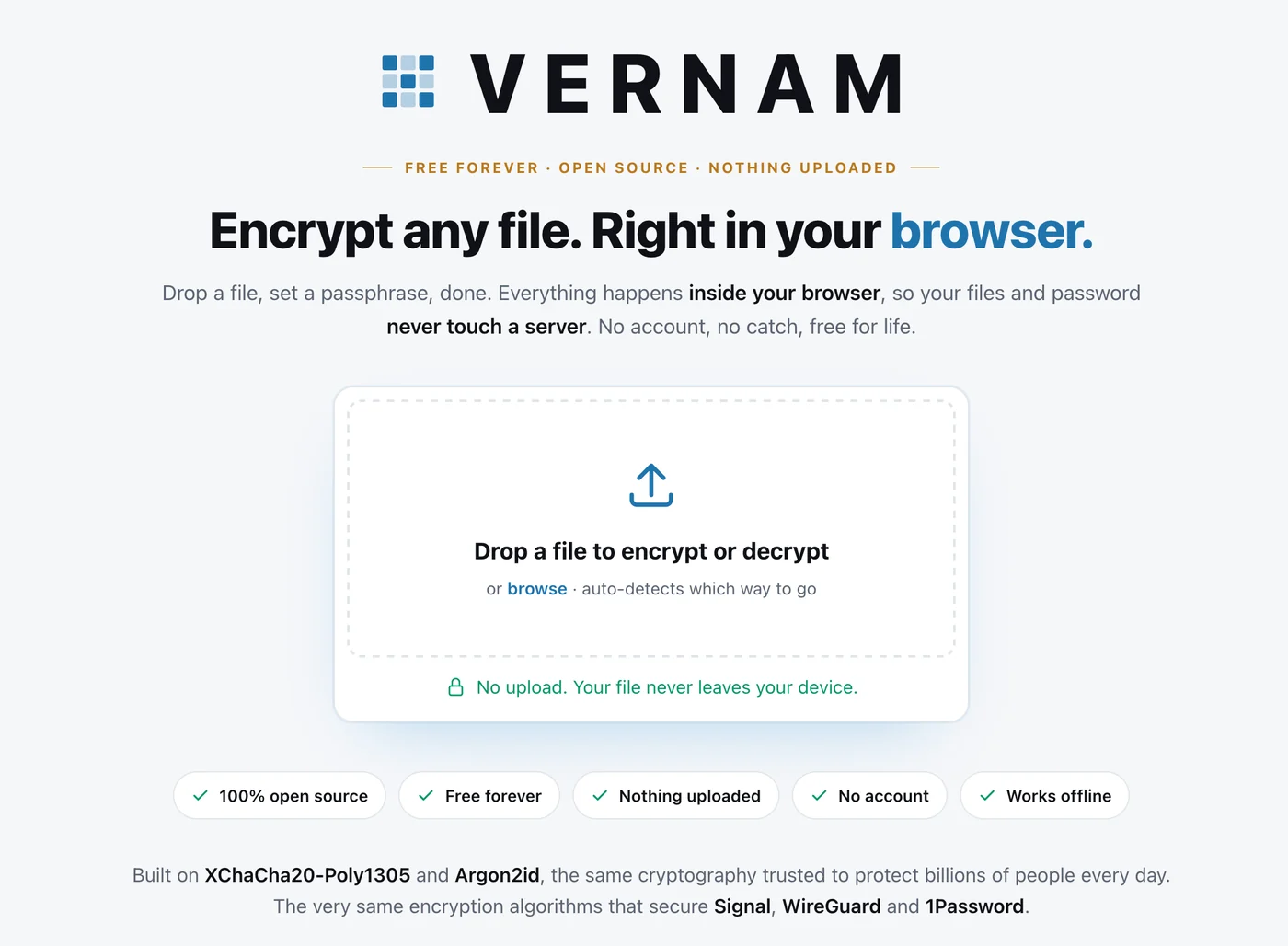
VERNAM is a free, open-source file encryptor that runs entirely inside your browser. Drop in a file, set a passphrase, and it locks the file right on your device using modern standard cryptography, Argon2id to harden your passphrase and XChaCha20-Poly1305 to do the encryption. Nothing is uploaded. There is no account and no server. No copy of your file or your passphrase exists anywhere but your own machine, so the only thing that can ever open it again is the password you chose.
It takes its name from Gilbert Vernam, co-inventor of the one-time pad, the one cipher proven mathematically unbreakable. You can use it on the site at /encrypt or on its own at VERNAM.app. The code is open under the VERNAM License: do what you want with it, just keep a visible link back to us.
Tell us what broke
A release this size has rough edges, and we would rather hear about them from you than not at all.
Found a bug? Know a tool we should add, or a category we missed? Leave a comment on our announcement over on X, or open an issue on our GitHub at github.com/LifetimeLabsDev/VERNAM. We read every one.
Ten years in, the case for PrivacyTools.io is stronger than it has ever been. Thanks for being here. Now go pick an app you have been meaning to ditch, and let us show you the way out.